Cloud Portal
Applies to WattWächter Plus and Gas
The cloud portal is the same for the WattWächter Plus and the WattWächter Gas. The WattWächter Tasmota, USB and TTL have no cloud connection.
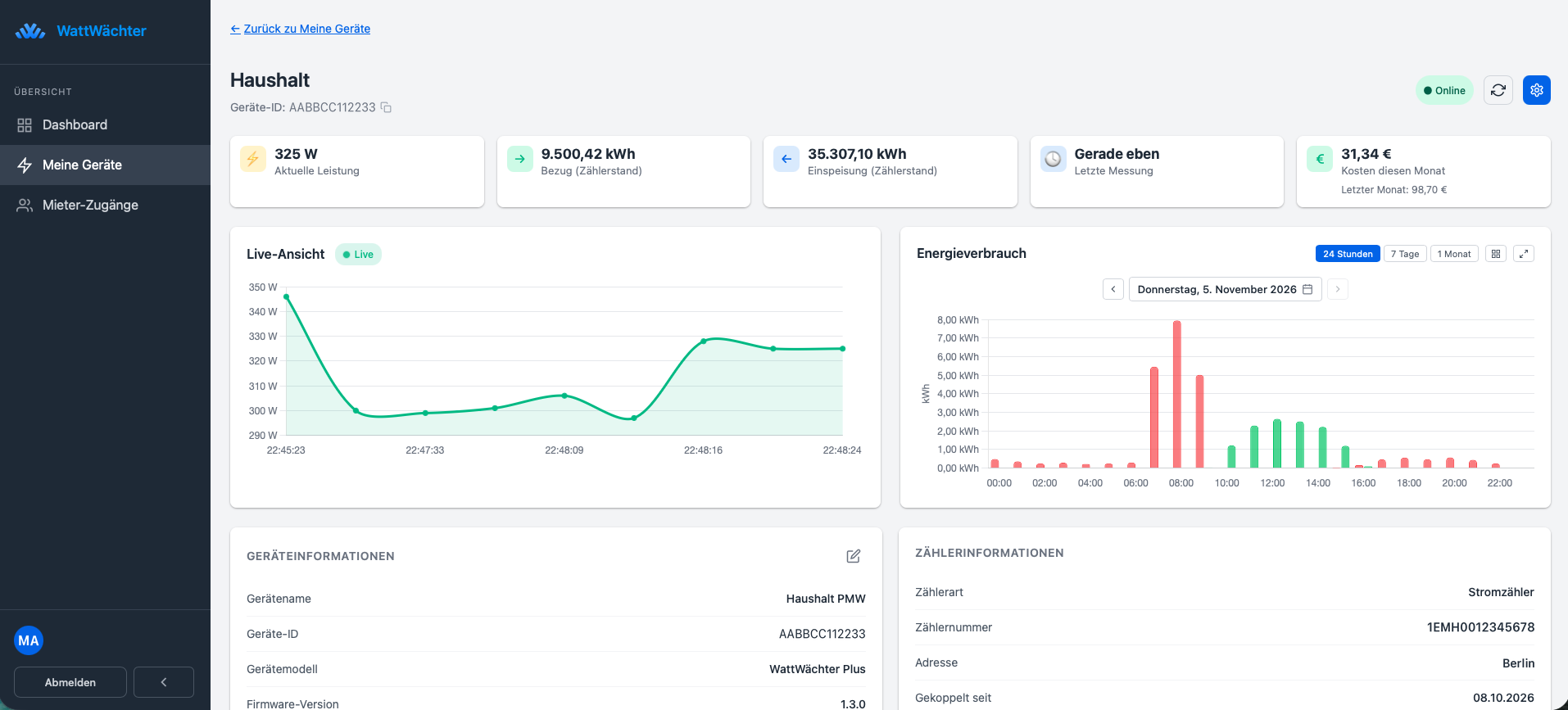
The WattWächter cloud portal at login.wattwächter.de shows your consumption data in the browser — from anywhere, on a computer, tablet or phone.
Features
-
Live and history
Current power at a glance, consumption and feed-in for 24 hours, 7 days, a month or a year.
-
Costs
Costs for today, the month and the year — based on your own tariffs.
-
Remote maintenance
Change settings, start updates and restart the device — even when you are not at home.
-
Export data
Download readings as a CSV file, e.g. for Excel — every 15 minutes, per hour, day or month.
-
Several devices
All your WattWächter in one account, with an overview of every meter.
-
Tenant access
Give tenants a read-only consumption overview (add-on package).
Create an Account
- Open login.wattwächter.de
-
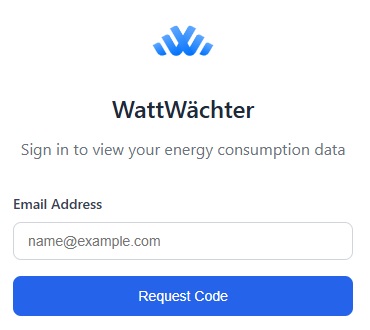
Enter your email address and click "Request code"
-
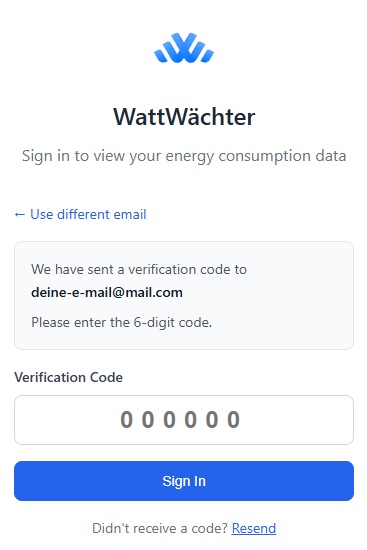
Enter the code received via email
-
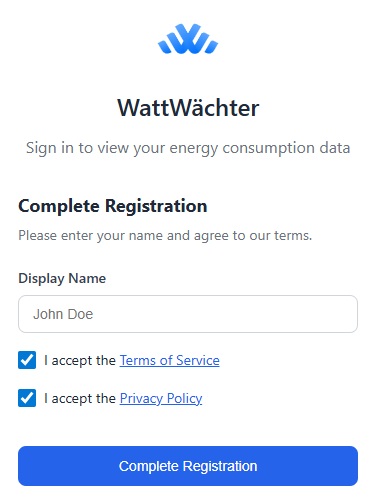
Enter your name, accept the terms of service & privacy policy, and click "Complete registration"
-
You're now logged in and taken directly to the dashboard
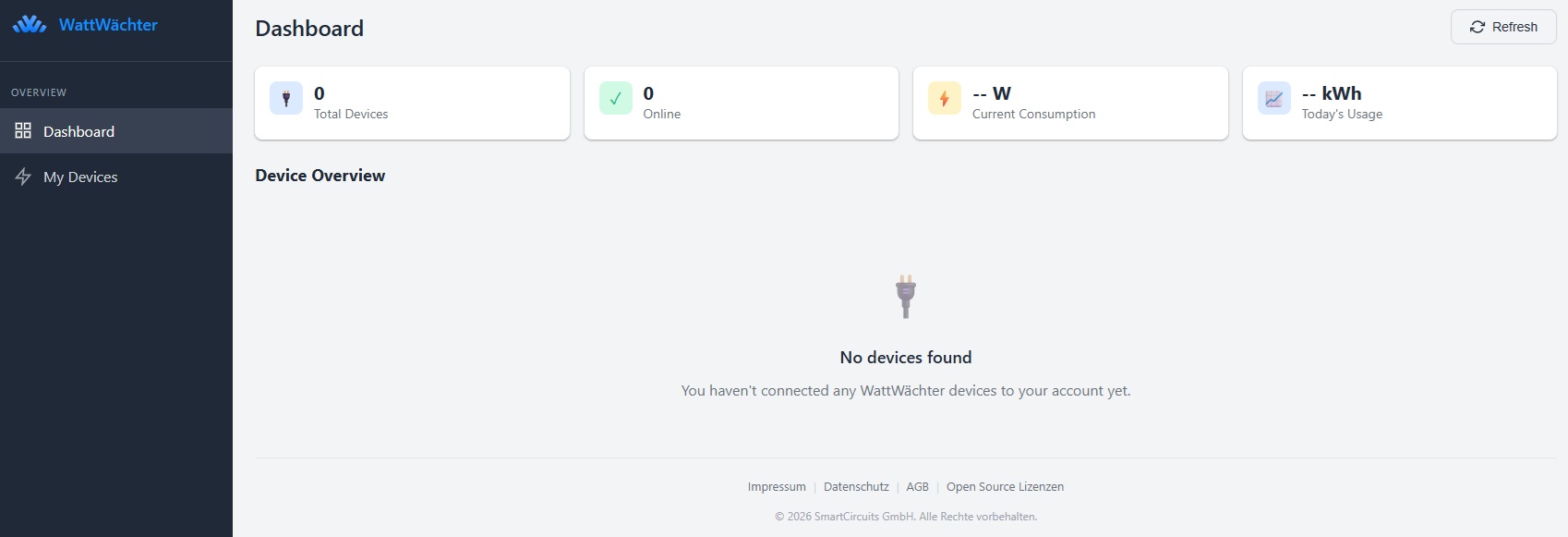
Pair a Device
-
In the portal, click "Add Device" in the top right corner
-
A pairing token is generated (format:
WW-XXXXXXXX)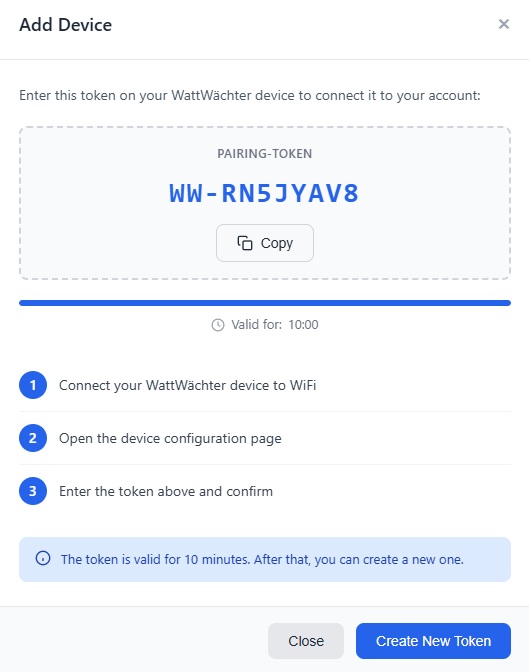
-
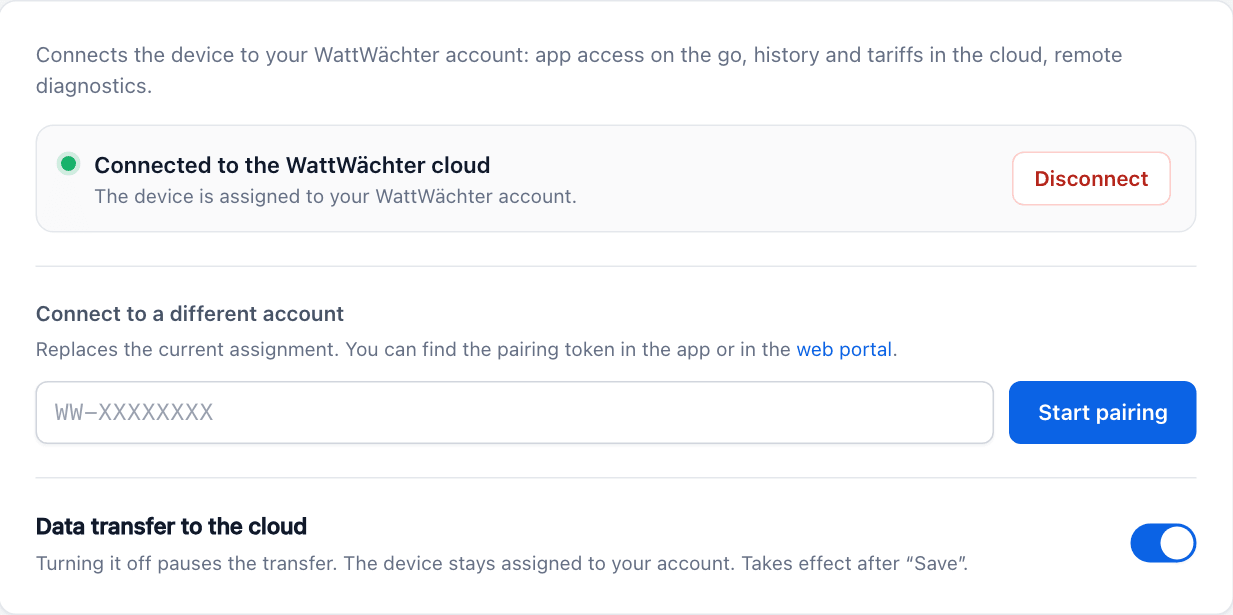
Open the local web interface of your WattWächter and click Cloud connection on the start page (or go straight to Settings → Cloud connection). Paste the token and click Start pairing.
-
The web interface reports Connected! as soon as the cloud has assigned the device to your account — it appears in the portal. If the cloud rejects it, the reason is shown (e.g. an expired token).
Unpair a Device
The cloud connection can be terminated at any time — in the Cloud Portal, in the smartphone app, in the web interface under Settings → Cloud connection ("Disconnect"), or via the REST API (DELETE /api/v1/cloud/pair).
The app and the web interface offer the same two options: Disconnect only (your history in the cloud is kept) or Disconnect and delete cloud data (the device's history, name and address are deleted in the cloud). Via the web interface and the REST API (?data=delete), deleting only works while the device is connected to the cloud.
After unpairing, no data is sent to the cloud. Local access via the mDNS name continues to work.
→ Step by step, and what to consider when passing the device on: Removing the device.
Privacy
- All data is stored encrypted on the device
- All data is transmitted encrypted (TLS)
- The device only sends meter readings and power data
- No personal data is transmitted
- The cloud connection is entirely optional
- Local operation without cloud is always possible